
General Product Guidelines for Uploading Products
The Superhive (formerly Blender Market) is a curated 3D marketplace, meaning that all products uploaded to the Market are reviewed before they are published. What follows are the minimum requirements for getting your products approved and uploaded to the site.
Recommended documentation reading order:
General Product Guidelines: The document you are currently reading.
How to Upload: Read after reviewing the General Product Guidelines.
Why Products Get Rejected: If rejected, read this, then review General Product Guidelines.
Tips for Success: Read after your first successful publication.
Requirements for models, shaders, etc.
1. Products must work in Blender
2. Name product parts logically & in English
Label all parts of your product with logical English names, including meshes, materials, textures, armatures, bones, scenes, etc. Using the default naming convention isn't allowed.
Cube.001, Cube.002, Sphere.003, and Material.004 are all default Blender names and are NOT ACCEPTABLE.
Here's a great example of good organization & great naming within a Blender file:

3. Pack textures and external files
If your product uses external textures, models, shaders, etc. make sure to either pack those assets into the .blend file or add them to a separate texture folder and compress that for upload, making sure to link the files to the external textures. Make sure all orphaned textures, materials, and meshes have been removed from the final .blend. Take your organization to the next level, see this blog post.

4. Products must be render ready
All models, textures, shaders, etc. must be render-ready. This means that a user should be able to purchase your product, download it, open it in Blender, hit Render and see basically what they see in your product images.
5. Single files must be under 5GB
We currently restrict single file sizes to 5gb, you are able to upload more than one 5GB file but no single file maybe over 5GB. To make life easier on your customers, we suggest breaking files into 1GB chunks for faster uploading and downloading.
Add-on Requirements1. Add-ons must adhere to and be licensed as GPL or MITAll add-ons on the Superhive (formerly Blender Market) must be licensed and adhere to GPL/MIT licenses. GPL compliance states that you must provide the add-on and the sources to your clients under the GNU GPL license.
2. Provide installation instructionsRegardless of how easy you may think your add-on is to install or use. That doesn't mean your customers will, so make sure you supply your customers with enough information to install and use your add-on. This should be detailed enough that a user can install and start using your product right away.
3. Include written documentation/FAQsAlong with installation instructions, you should also have written instructions for how to use your add-on in all aspects. It's also a great idea to add in any FAQs that may be useful for your customers.
4. Ensure add-on is a valid extension
Optional: Include a video tutorial on using your add-on.If a picture is worth a thousand words, how much is a video worth? Make your customer's life even easier and provide a video tutorial on how to use your add-on. Product Page Requirements
|
|
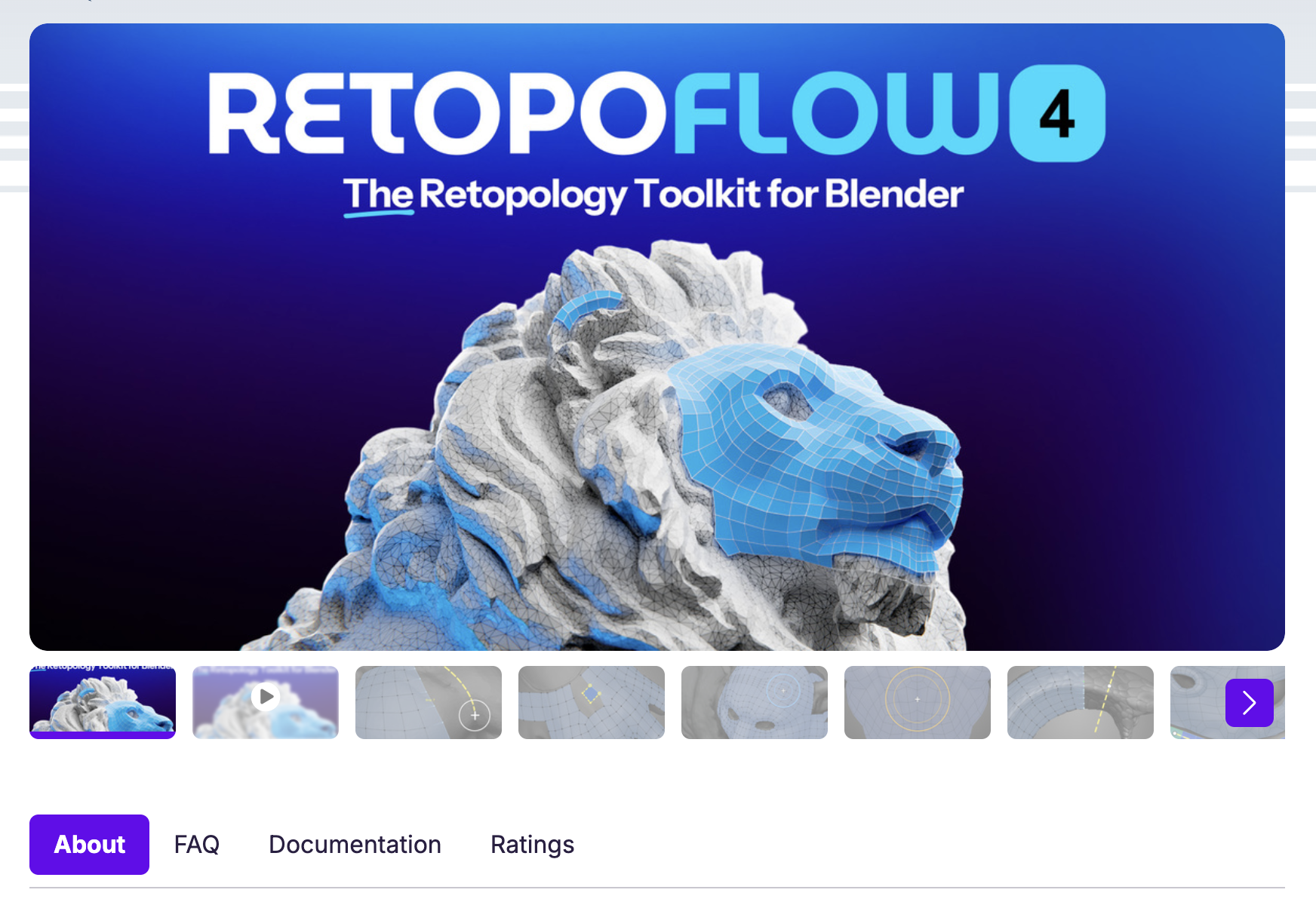
1. Products need at least 5 render images
Product galleries require at least 5 images; a great example is 3 beauty-shot renders and 2 wireframe renders. Learn to make good product images with this blog post.
2. Images need to be in a 2:1 aspect ratio
- Images must be at least 1200px wide, in PNG or JPG format, regardless of size. Images need to be in a 2:1 aspect ratio to better fit the site design.
- 1200 x 600 Yes, this is a 2:1 ratio.
- 1920 x 1080 - NO, wrong ratio
NOTE: GIFs can be used within the product page, but NOT as the featured image.
3. Provide an informational & descriptive Product Description
The product description is often overlooked in its importance. Don't take it for granted if you're unsure what to write; see this blog post.
4. Product page info needs to be in English
The majority of Superhive (formerly Blender Market) customers are in the United States and other English-speaking regions. To reach your audience, convert the maximum amount of sales, and maintain consistency, make sure you're speaking their language.
Support Requirements
1. Be helpful and courteous
Customers are paying for your product. Be helpful, courteous, and professional in your interactions with customers, even when they aren't always the same way to you. This will keep your reputation and business beyond reproach and help you make friends and earn rave reviews!
2. Be timely
If a customer contacts you via support, be sure to reply to them at your earliest convenience. Again, these are people paying you money for your products. We know we may not all be in the same time zone, but the goal is to respond to support messages within 72 hours.
Trusted Creator Status
Once you successfully submit several products and our review team returns the "No notes!" message, we will issue you Trusted Creator Status. What does that mean? We knew you'd ask, and we've prepared a helpful document that details what it's all about. Check it out here.