
How to Understand Referrals Data
Suppose a user visits a product on Superhive (formerly Blender Market) via your link and proceeds to purchase any product that you are affiliated with on Superhive (formerly Blender Market). In that case, a referral will be created for you. The Referrals tab logs each referral that is attributed to you.
This quick guide is meant to help you read and understand your referral data.
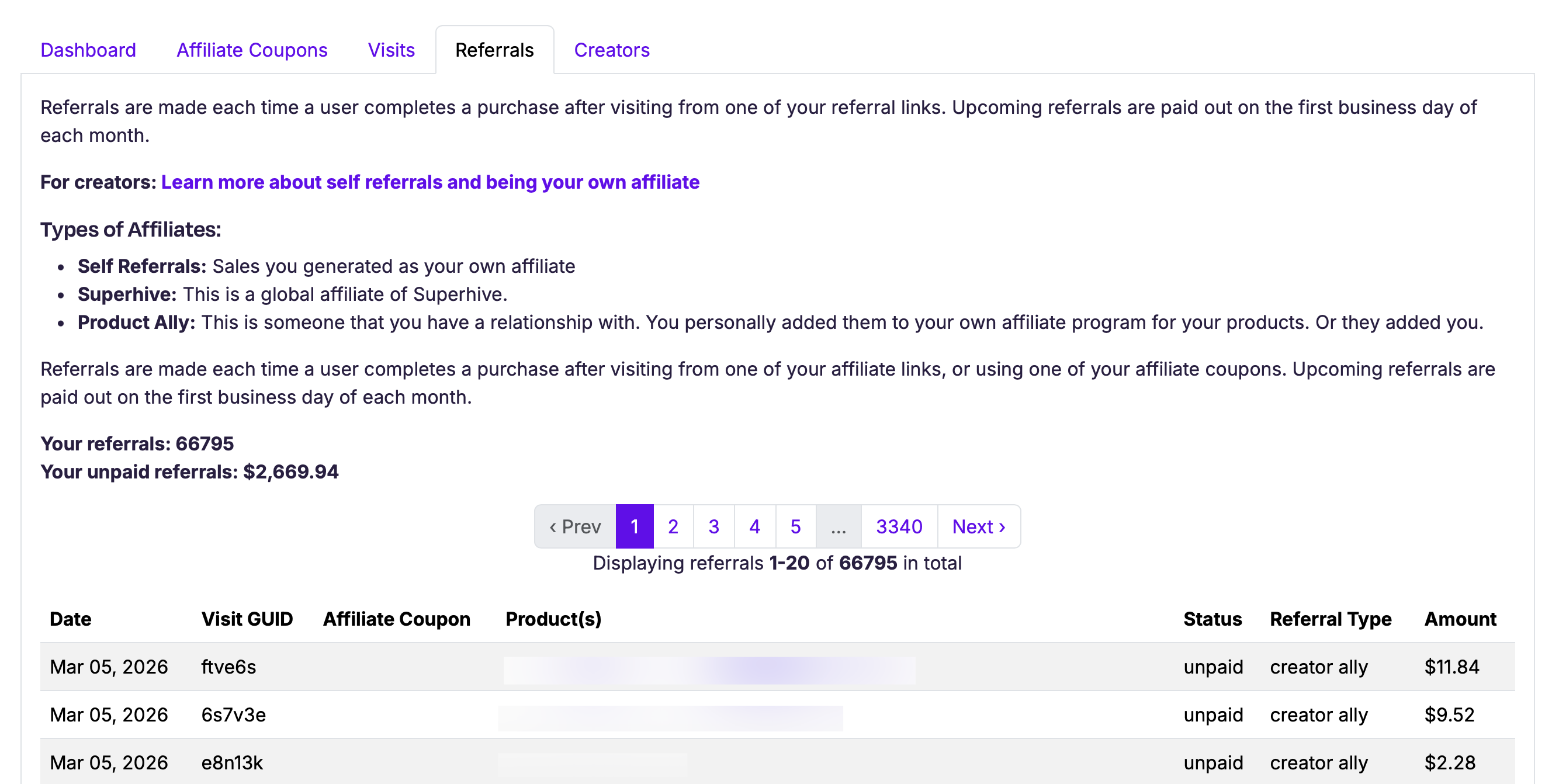
Your Referrals
This number indicates how many successful referrals you have made.
Unpaid earnings
At the top of the Referrals page, Earnings for this selection shows, in US dollars, how much you've earned from the referrals listed, with the amount not yet paid to you in brackets. Your total unpaid amount also appears as Unpaid Referral Earnings on the Dashboard tab and on the Payouts page. Unpaid earnings are paid out with the next Affiliate payout (on the 1st and 15th of each month) once they're payable and meet the minimum payout threshold.
Some unpaid referrals may be on hold and paid later: referrals from a new creator's sales wait until that creator's 30-day hold ends, and referrals from an order with an open dispute wait until the dispute is settled. Held referrals are included in your unpaid totals and show as Unpaid in the Status column. A note on the Payouts page shows how much of your unpaid earnings comes from new creators' sales. See Getting Paid for Your Referrals.
Date
The Date field displays the date that a visitor made a purchase after following your affiliate link.
Visit GUID
Product(s)
The Product(s) field displays the product for which you have earned a referral.
Status
The Status field indicates whether you have received payment for your referral yet or not. If you have received payment for the referral, "paid" appears, and if you will receive payment for your referral, "unpaid" appears, including for referrals that are on hold. A rejected referral, which won't be paid, shows "rejected".
Amount
The Amount field shows how much you earned from each successful referral. To see the total amount of referrals for which you have yet to be paid, check the unpaid amount next to Earnings for this selection at the top of the Referrals page, or Unpaid Referral Earnings on the Dashboard tab.
