
Generating Referrals
As an Affiliate, you have the opportunity to drive traffic toward great product creators on Superhive (formerly Blender Market) and to make money doing it. This article explores how and where to integrate affiliate links.
Your Affiliate ID
Your affiliate ID (also called your referral code) can be found in the Your Referral Link section of your Affiliate Dashboard. If you joined by applying to the affiliate program, it's also included in your approval email. This unique ID number is what will identify you as the source of the referral, so it is essential to include it when you are linking to any of the products for which you can earn referral credits. When adding your affiliate ID to a product link, you will want to add "?ref=**" at the end of the URL. The asterisks are where you want to put your affiliate ID.
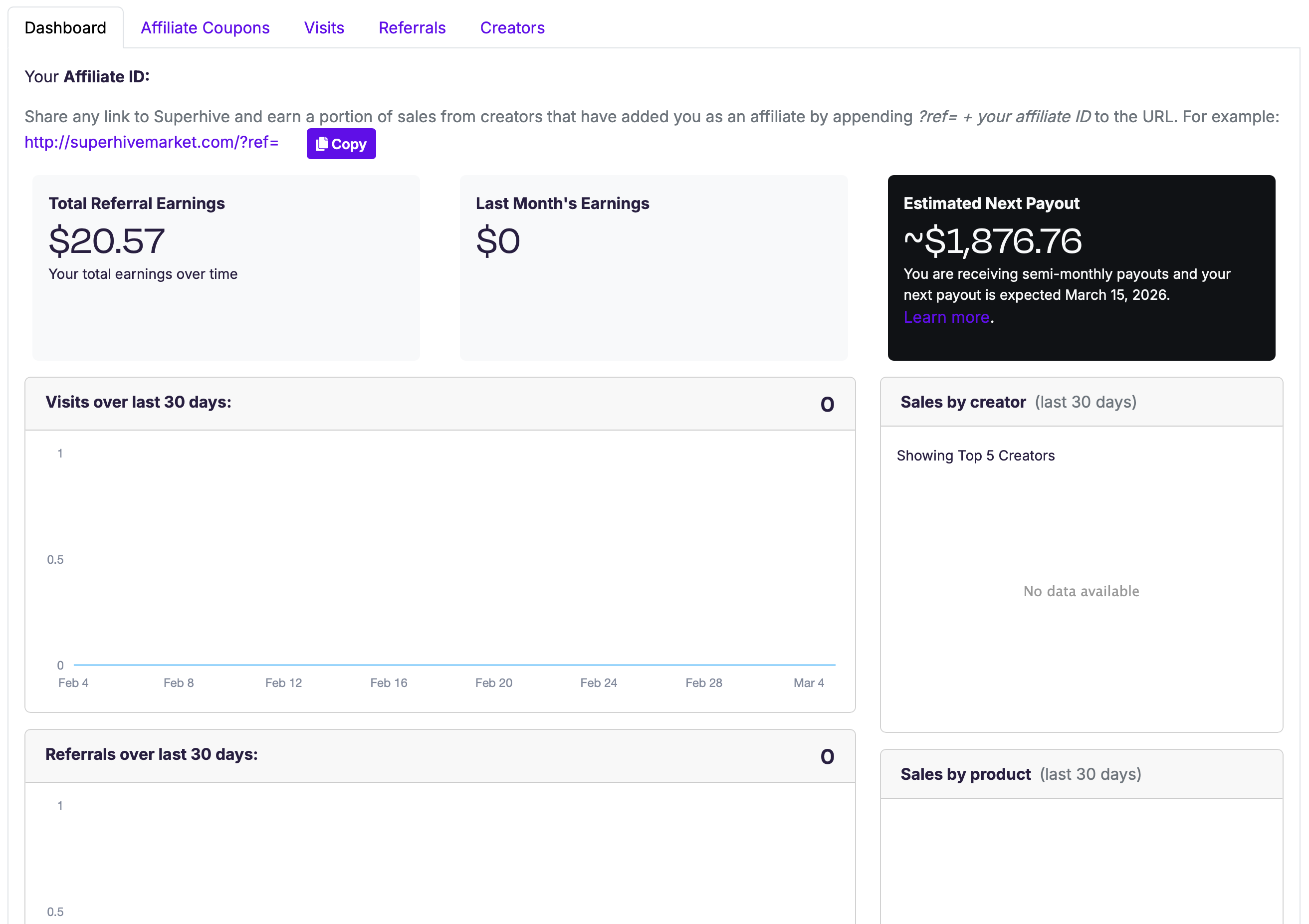
For example, if your affiliate ID were 9845 and you were referring someone to Retopoflow, the link you would use would be: https://superhivemarket.com/products/retopoflow?ref=9845
Sharing your referral link for the first time is one of the steps in the Get set up as an affiliate checklist on your Affiliate Dashboard.
Where to Refer
Anywhere you can add a link, you can add an affiliate link. This includes blog articles, YouTube video descriptions or comments, ArtStation posts, Instagram or Facebook posts, and more.
If a customer clicks on your affiliate link and then proceeds to purchase a product that you are an Affiliate for from the Creator within 14 days of clicking the link, then you'll earn a referral. Only the products that the Creator has granted you access to are eligible for referrals.
How to Track Your Referrals
To see the sales that complete as a result of your referrals, select the Referrals tab of your Affiliate Dashboard